


Templates are created through the "Settings" dropdown in the top left corner of the screen. Click on "My templates." This will show you a list of forms that you can create a template for.
Creating a template is a "Master" document. This may contain your standard terms for your professional fees, vendor's marketing costs, bonus increases in commission etc.
Once your template has been create, then next time you create "New" form from the form list, if there is a template associated to that document, a pop-up will ask if you'd like to use that template. Select from the dropdown menu to choose your template to base your new form on:
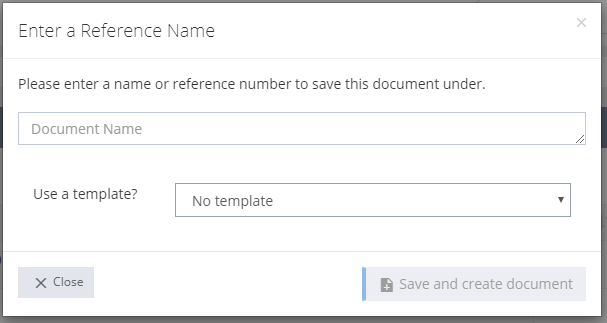
All templates will be avialable for use when creating a new form.
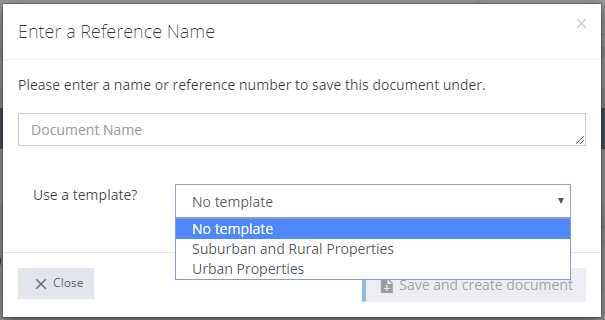
Give your form a Reference name and then all your preset terms will be in place.