


You can use either the navigation tool on the right hand side, or the search bar at the top of the page to find the forms you require.
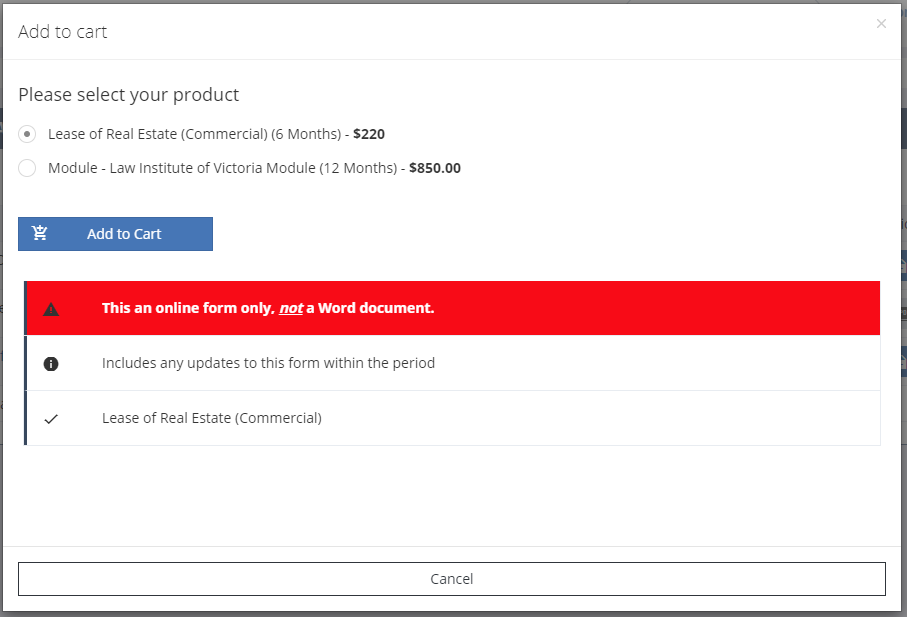
To add a form to your cart, push the cart button that indicates the price (if the form is not in your library already, it is in the Expiry Column), then confirm what you want to add to your cart by pushing the "Add to Cart" button:
Follow the Cart button at the top of the page:
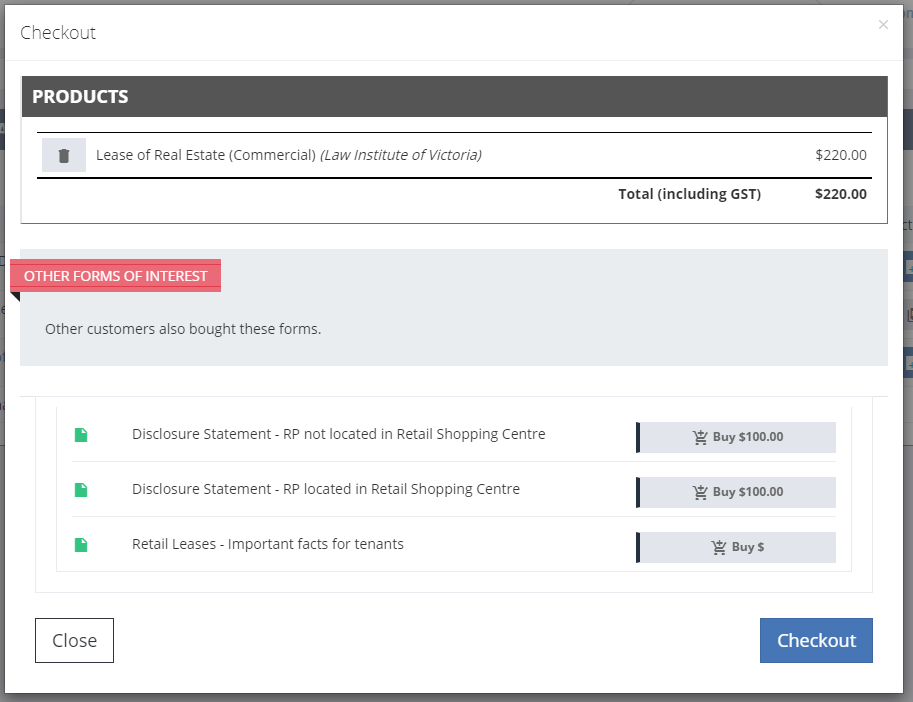
At checkout, we will begin with a list of items in your cart. Select the "Checkout" button to pay for your items. They will then appear in your libary.
If a form is free, it will be added directly to your library, with being added to your cart.