


Use the "My templates" drop down under "Settings" to access a list of all the forms within your library that you can create a template form.

Actions available here are:
- Create Template
- Open Saved
"Create Template" opens the form, where you can edit and save for further use.
"Open Saved" brings up a list of all the saved templates for this form.
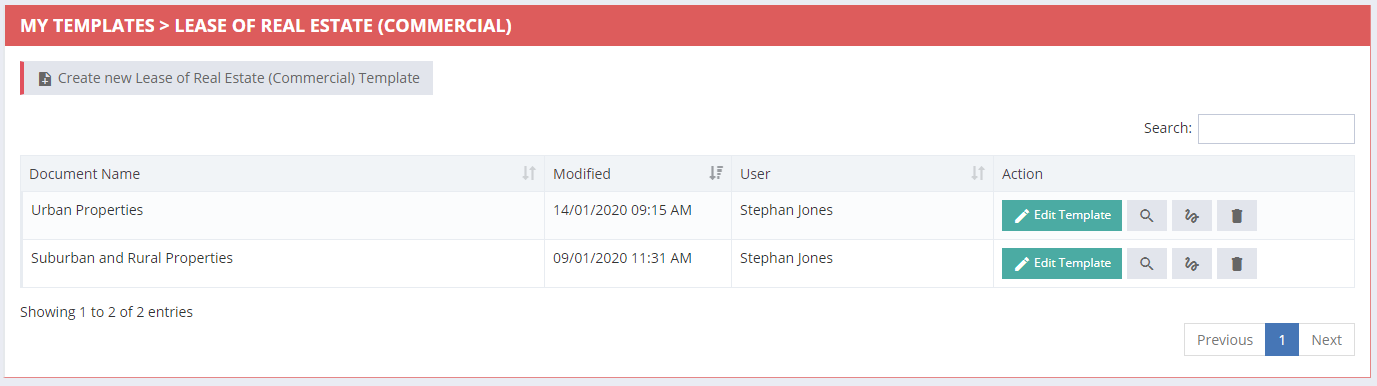
Actions available here are:
- Edit
- Preview
- Rename
- Delete
Click here to view our article on Using Templates.